Since 1996, toy store owners and buyers have used ToyDirectory.com and TDmonthly Magazine to source manufacturers and suppliers, scout new product lines and follow toy industry news every day. If you make or sell toys and are wondering whether store buyers will find you here, this page shows what they actually use on the site, with a link to each one.
14,600+ registered retailer accounts (the link explains how we count them).
1. Daily Toy Industry News
TDmonthly publishes new toy industry coverage every day, so buyers can follow what affects their shelves, their margins and their customers. A typical day's coverage looks like this (Nov. 2, 2026):
- Toy News Nov. 2: The day's product launches, collectibles and toy safety survey results, in one roundup.
- Amazon v. CPSC: Who has to recall unsafe toys sold on Amazon, and where the case stands.
- Toy Recall & Safety Watch: Every toy and children's product recall from the past week, with the hazard and what to pull from the shelf.
- Parenting News: School, screen-time and tech policy changes that shape what families buy.
- Tariff refunds for toy importers: What a new class action means for companies that paid tariffs on imported toys.
All of it is free to read in TDmonthly Magazine, and the trends and industry analysis is collected in the Trends section.
2. Source Manufacturers and Suppliers
- Manufacturers by product category: Buyers vetting new vendors pick a category, such as Plush, Board Games or Educational, and see every company listed under it, with its city and a short description. Each company name opens that company's profile page, with its phone number and other contact details. Example: Plush companies.
- A–Z vendor list: Buyers who already know a brand look up its maker, distributor or rep contact by first letter.
- Product and vendor search: Buyers type a product or brand name and get matching items, with the manufacturer named on each one.
3. Scout New Product Lines
- Newest Toys in the Database: Products as they are added to ToyDirectory.com, newest first and dated, each with its photo, the maker, the category and a description. Filter by age, price or category to narrow the list.
- Product pages: Every product has its own page with the maker's name, its categories, a description and links to the maker's other products. Example: the Bicycle 6-in-1 Holiday Games Card Set from The United States Playing Card Co.

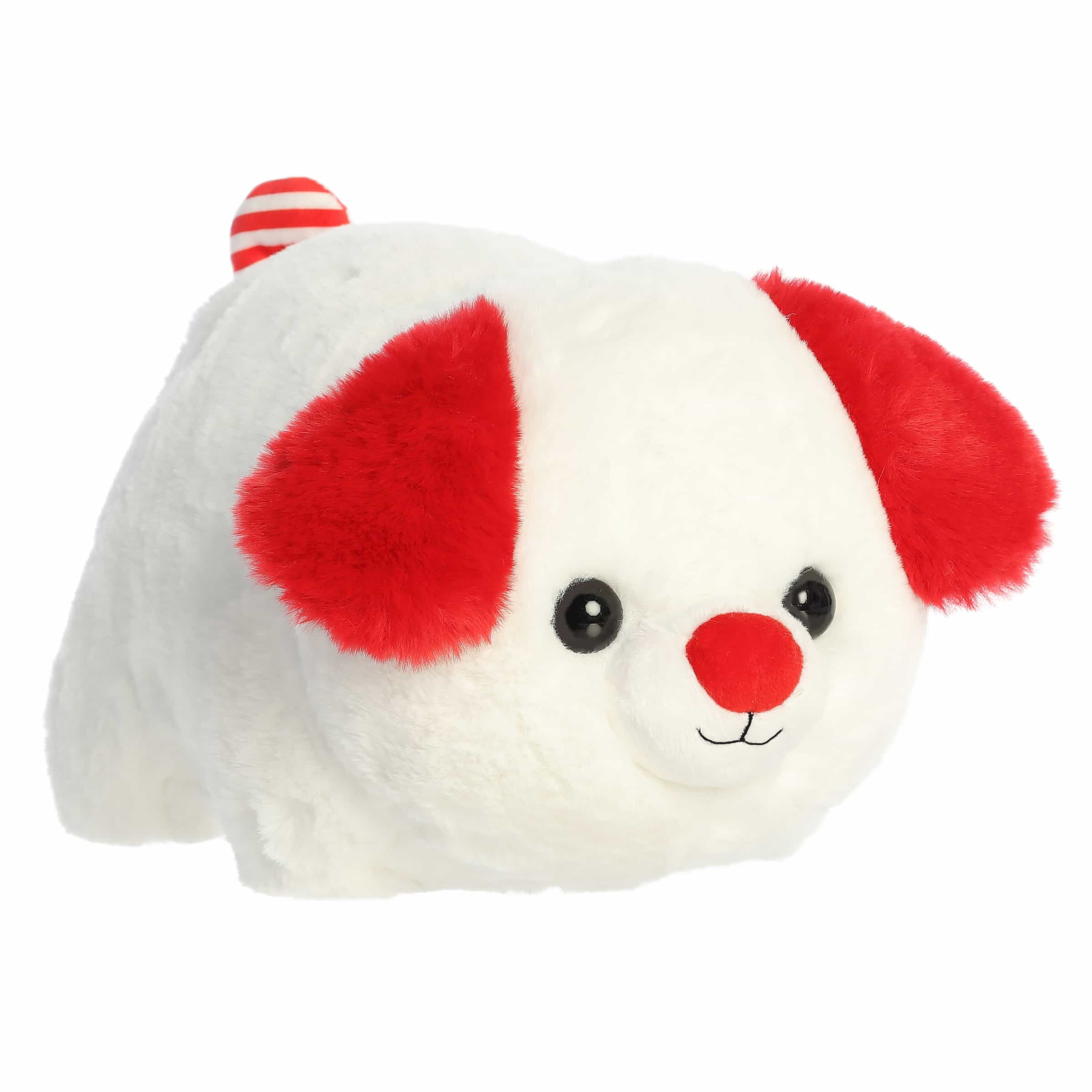
- TDmonthly ToyShow: An online showcase where buyers browse products by category and see each company's products on its own ToyShow page, any time of year. Example: the Aurora World ToyShow page, which shows plush such as the Spudsters Candy Cane Pup.
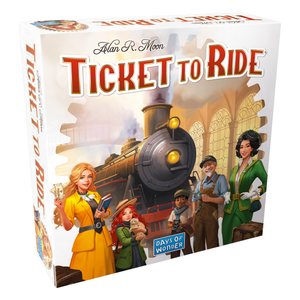
- Gift Guide 2026: Holiday gift picks sorted by age and by category, with each product's maker and price. Example: the Board Games page, which includes Ticket to Ride from Asmodee (Days of Wonder).
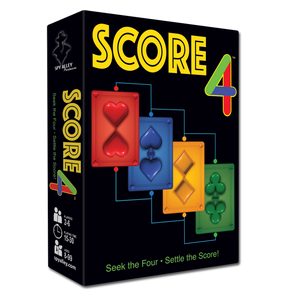
- Sponsored Gift Guide cards: Some cards at the top of a Gift Guide category are paid placements, clearly labeled Sponsored. Example: the SCORE 4 Card Game by Spy Alley on the Board Games page.
4. Track Recalls, Trade Shows and Market Intelligence
5. What Retailers Say
"I love getting (TDmonthly)! I saw the PUMGO (by LandSurf) for the first time on your site and I brought it in and did pretty well with it. And I was the only one in Montana who had it — It's actually pretty great!" — Denise Hoffman, owner of A Pocketful of Toys, Fallon, MT
More retailer and manufacturer comments are on our About page.
For Manufacturers and Brands: Be Where Buyers Look
To show up in the category and A–Z lists that buyers browse, list your company on ToyDirectory.com. To put your products in front of buyers in TDmonthly, the Gift Guide or ToyShow, see our advertising options. Questions? Call 424-272-6854 or email [email protected].

